Background
Why this exists
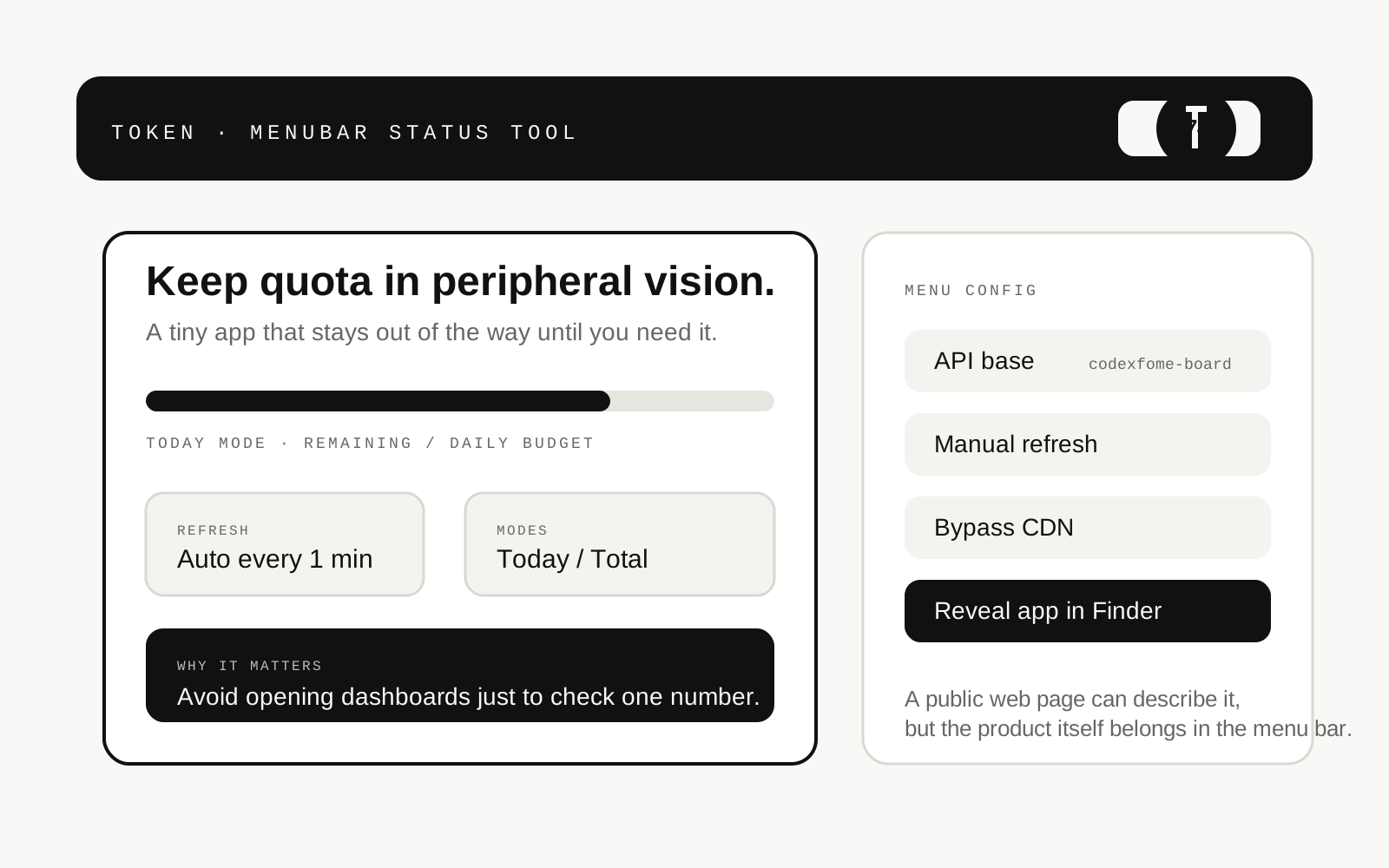
- Quota signals belong in glanceable status surfaces, not buried dashboards. This app puts the signal where users already look.
A tiny menu bar status utility that polls quota APIs and keeps remaining allowance visible in the top bar to reduce dashboard context switching.
Overview
Background
Delivery
Design
Project notes
01
Background
Quota signals belong in glanceable status surfaces, not buried dashboards. This app puts the signal where users already look.
02
Scenario
03
Delivery
04
Design
05
Tech
06
Access
Flow
This project is best read through the product shape itself: screenshots, access boundaries, and the sequence of key tasks explain the experience more clearly than a single static description.
Poll / Render / Refresh / Stay in context
Explore
Snapshot
Token
Quota status in your menu bar
Access
This entry is still part of a living practice. The public surface may be a live URL, a guided preview, or a curated set of interface states depending on the current release shape.
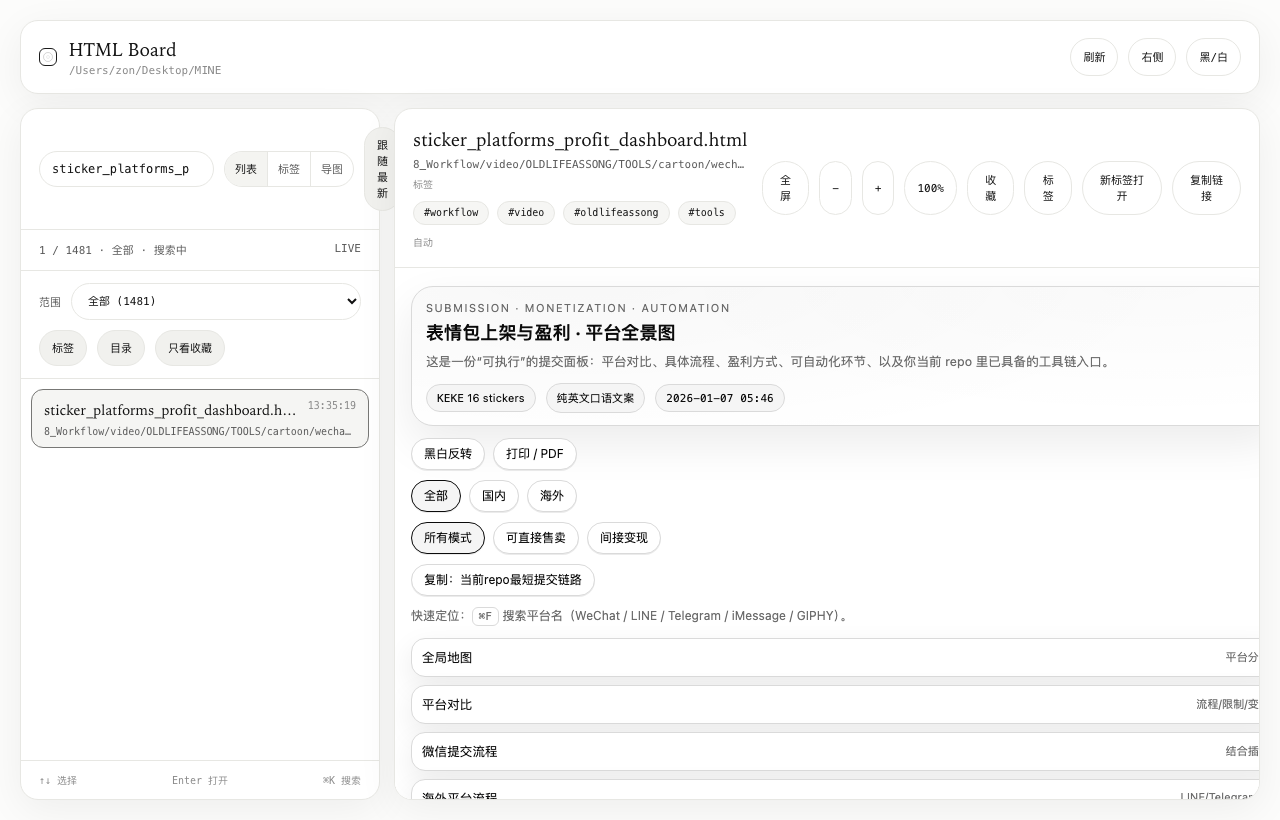
A macOS menu bar utility that turns scattered local HTML reports into a persistent searchable dashboard with hotkey launch and system notifications.
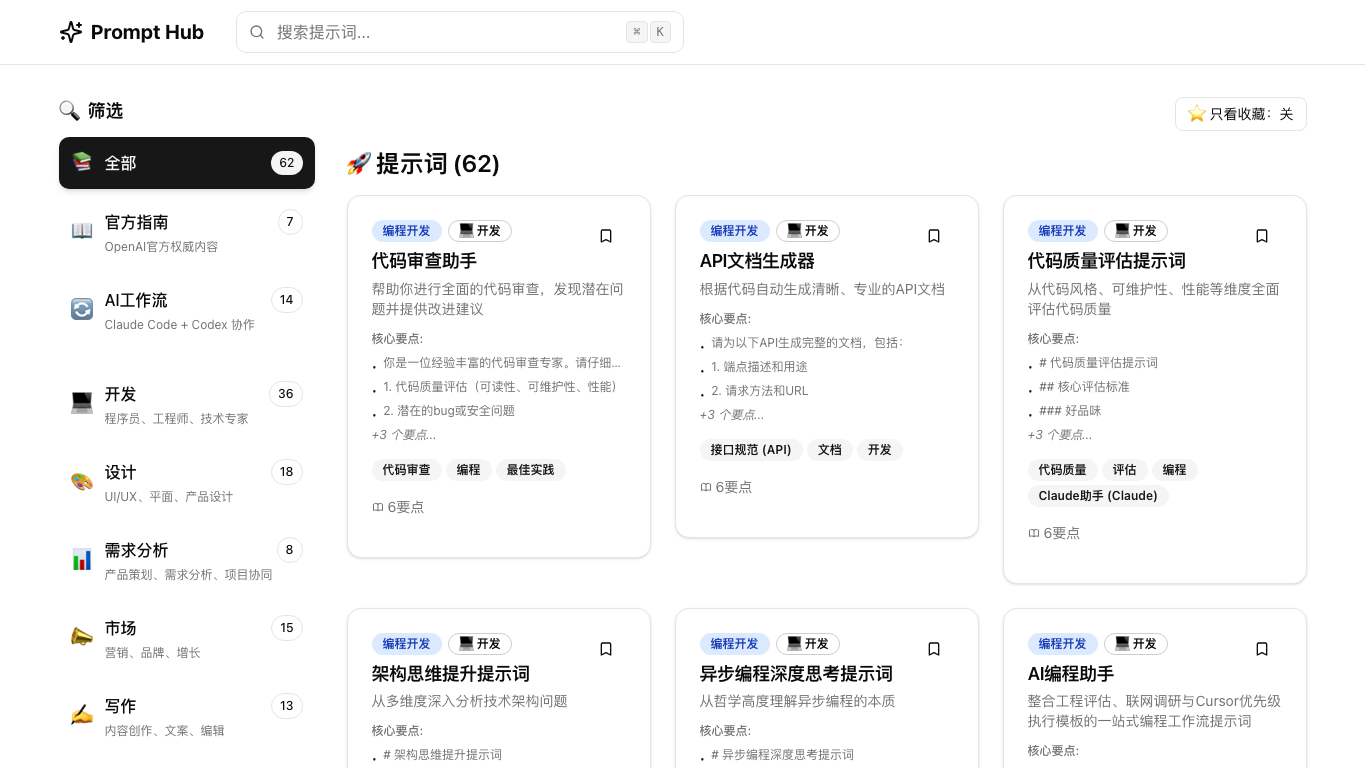
A practical prompt library for individuals and indie builders, built around reusable templates that reduce trial-and-error cost.
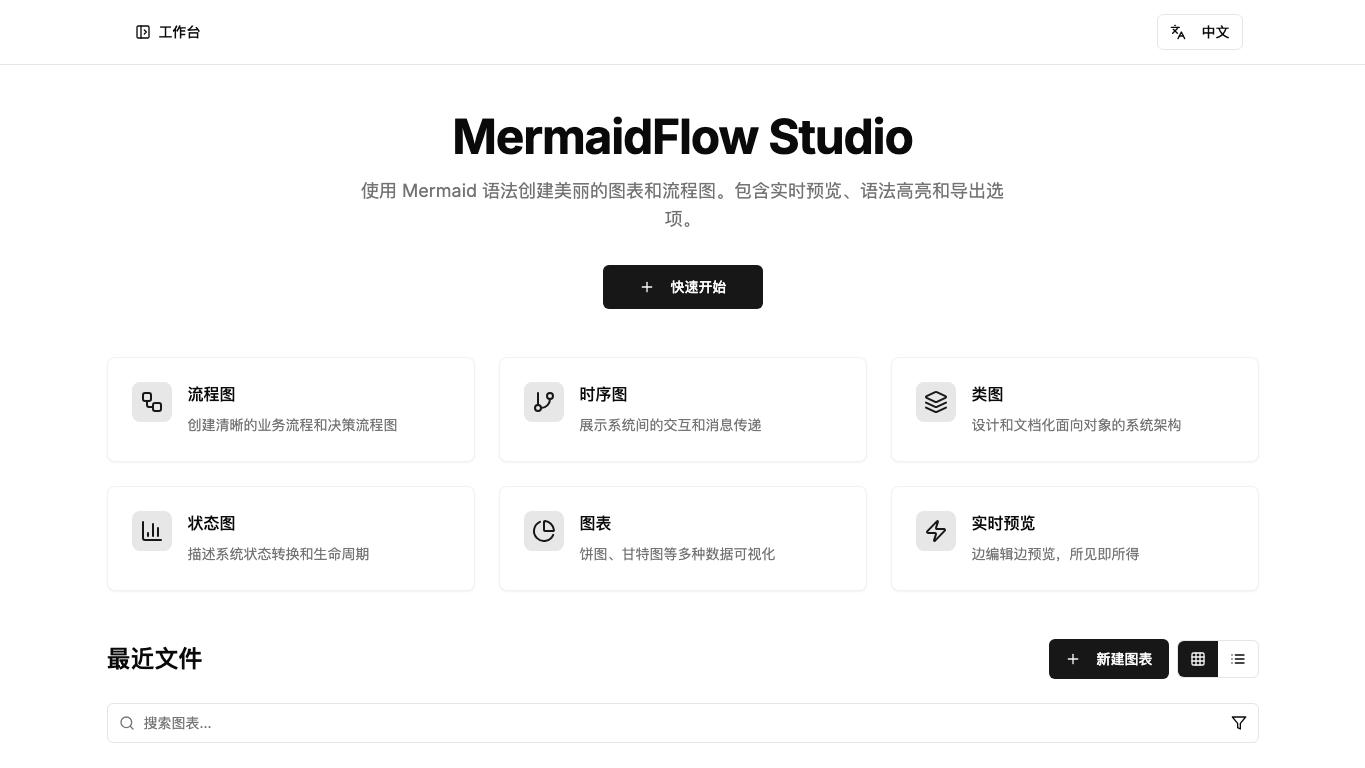
An online Mermaid editor with syntax highlighting, live preview, and export support for text-first diagram workflows.