Background
Why this exists
- Local workflows generate many HTML artifacts, but the file system is a poor browsing interface. This tool makes report review a low-friction menu bar action.
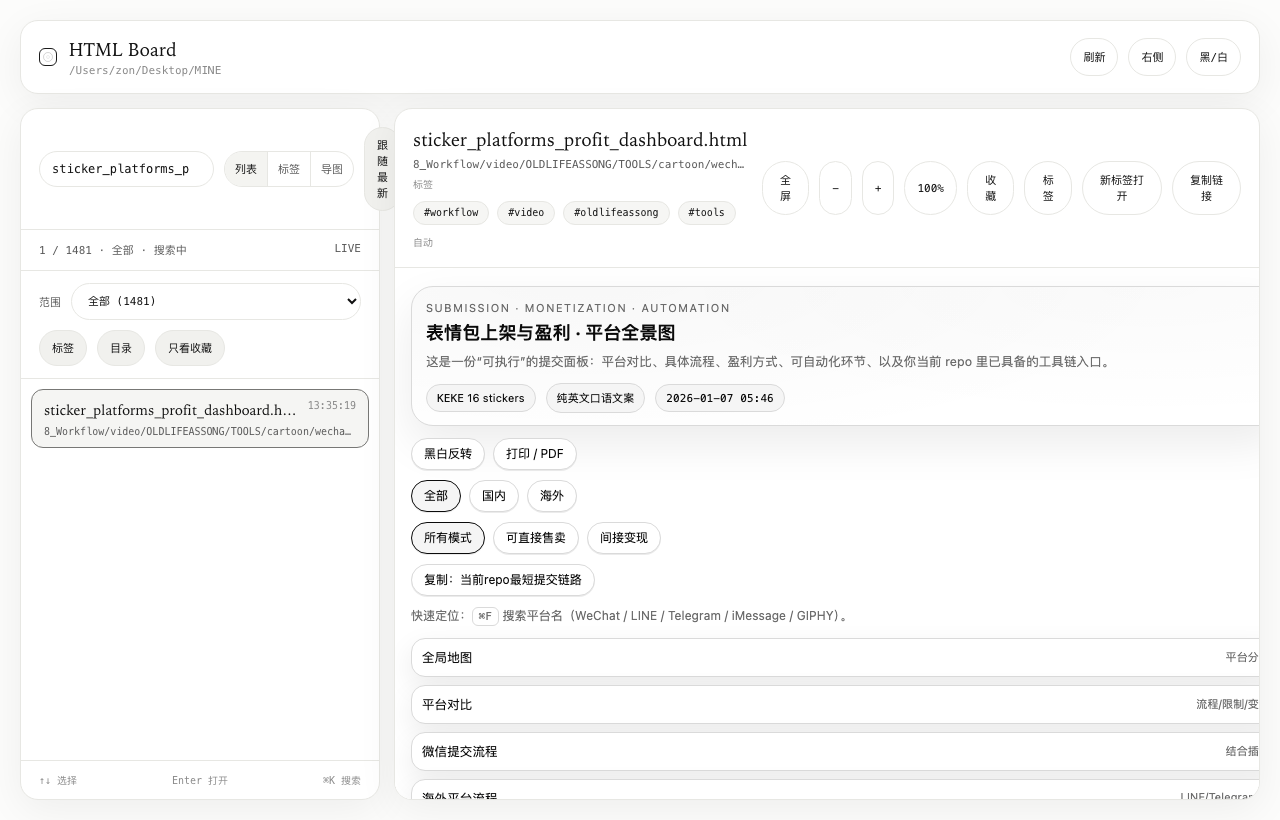
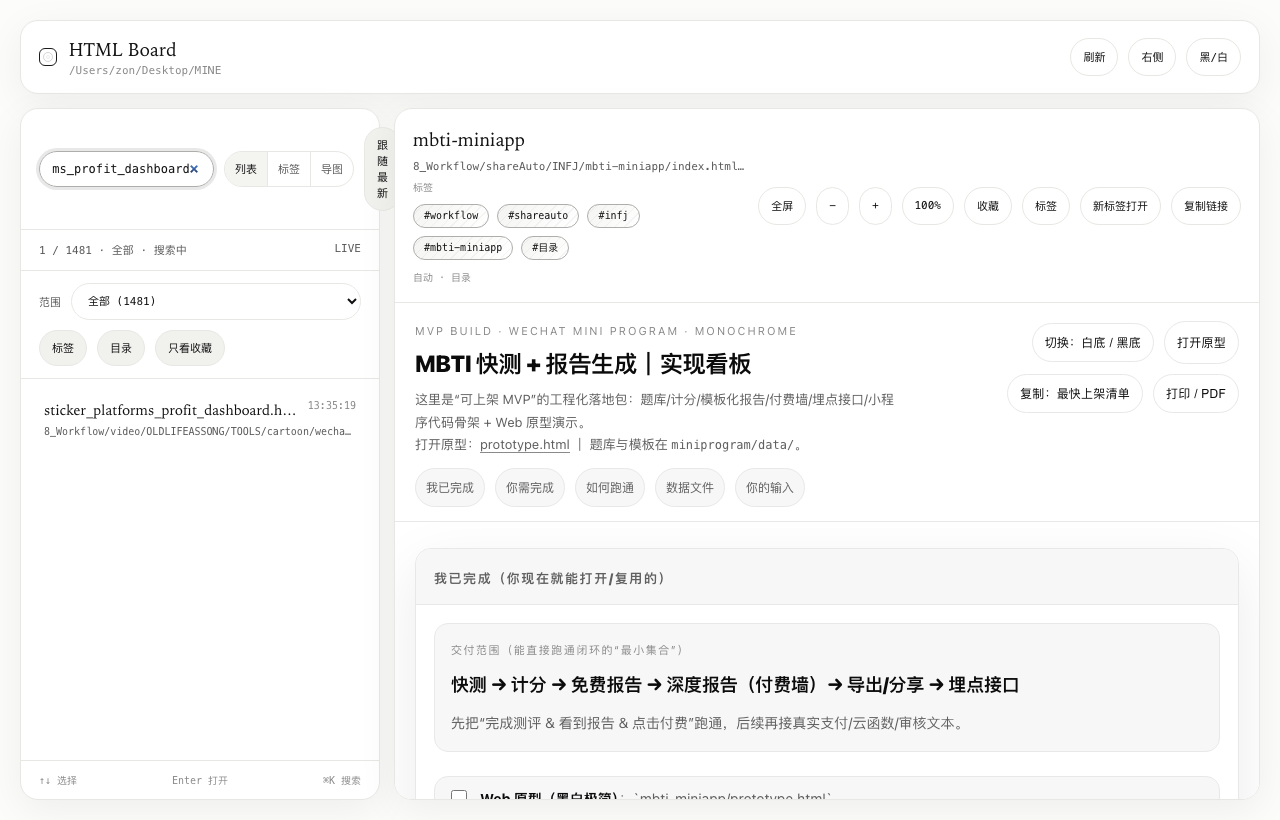
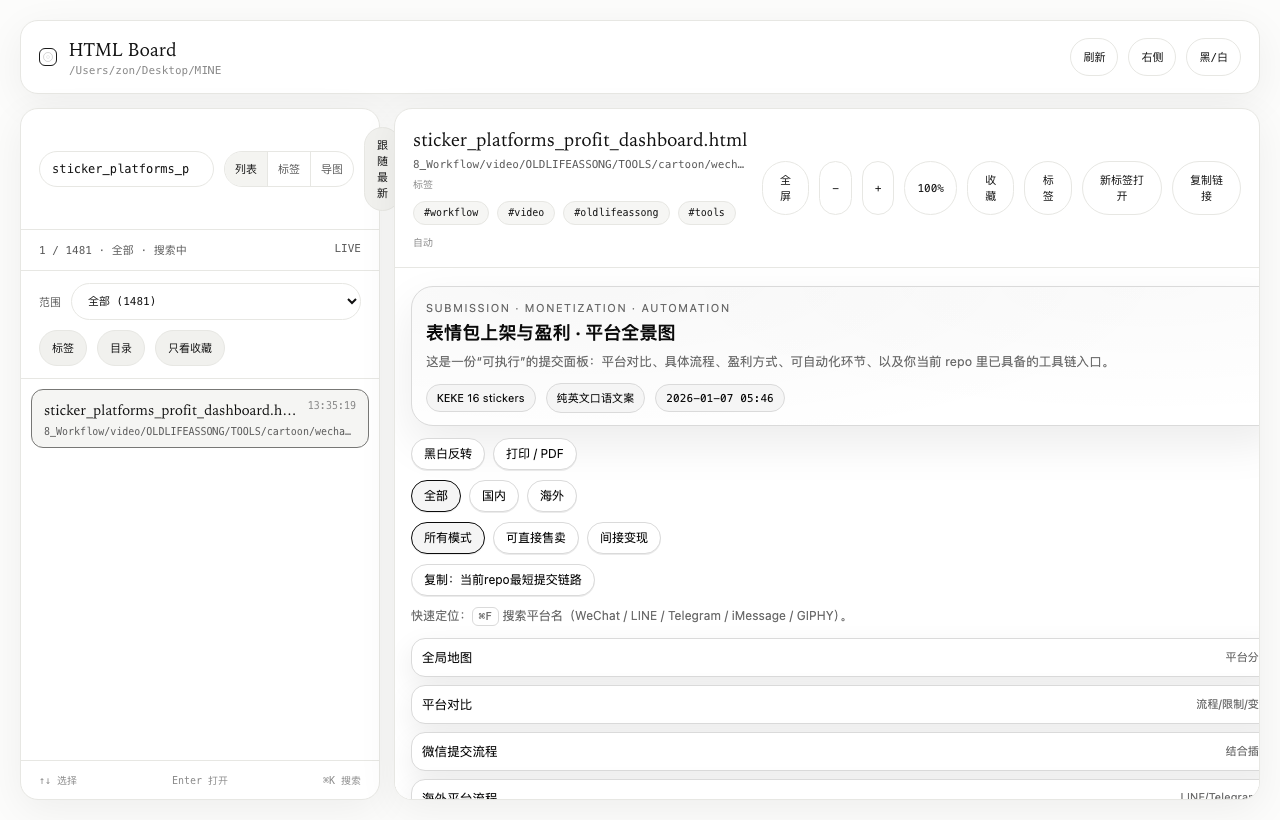
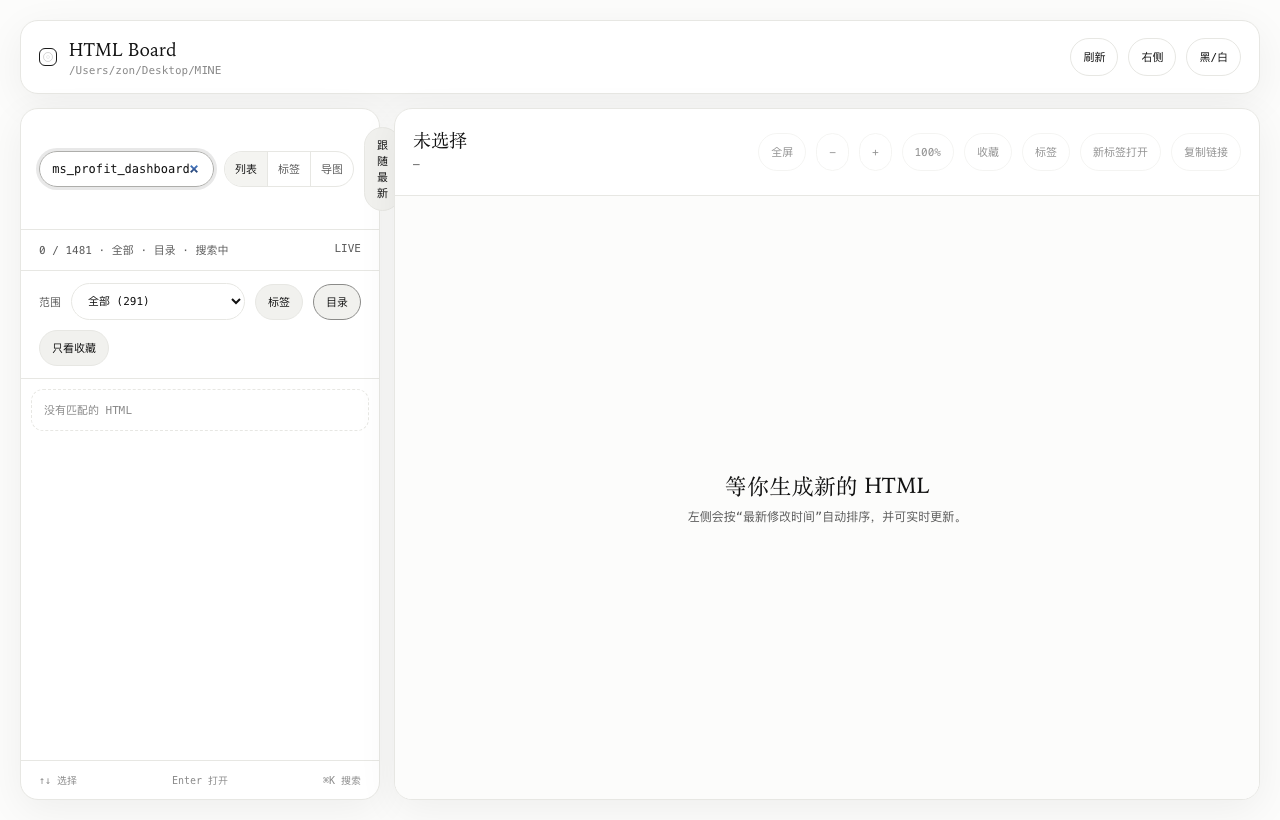
Menu bar app with global floating window for local HTML boards
A macOS menu bar utility that turns scattered local HTML reports into a persistent searchable dashboard with hotkey launch and system notifications.
Overview
Background
Delivery
Design
Selected screens
Project notes
01
Background
Local workflows generate many HTML artifacts, but the file system is a poor browsing interface. This tool makes report review a low-friction menu bar action.
02
Scenario
03
Delivery
04
Design
05
Tech
06
Access
Flow
This project is best read through the product shape itself: screenshots, access boundaries, and the sequence of key tasks explain the experience more clearly than a single static description.
Scan / Notify / Open / Review
Explore
Snapshot
HTML Board for macOS
Menu bar app with global floating window for local HTML boards
Access
This entry is still part of a living practice. The public surface may be a live URL, a guided preview, or a curated set of interface states depending on the current release shape.
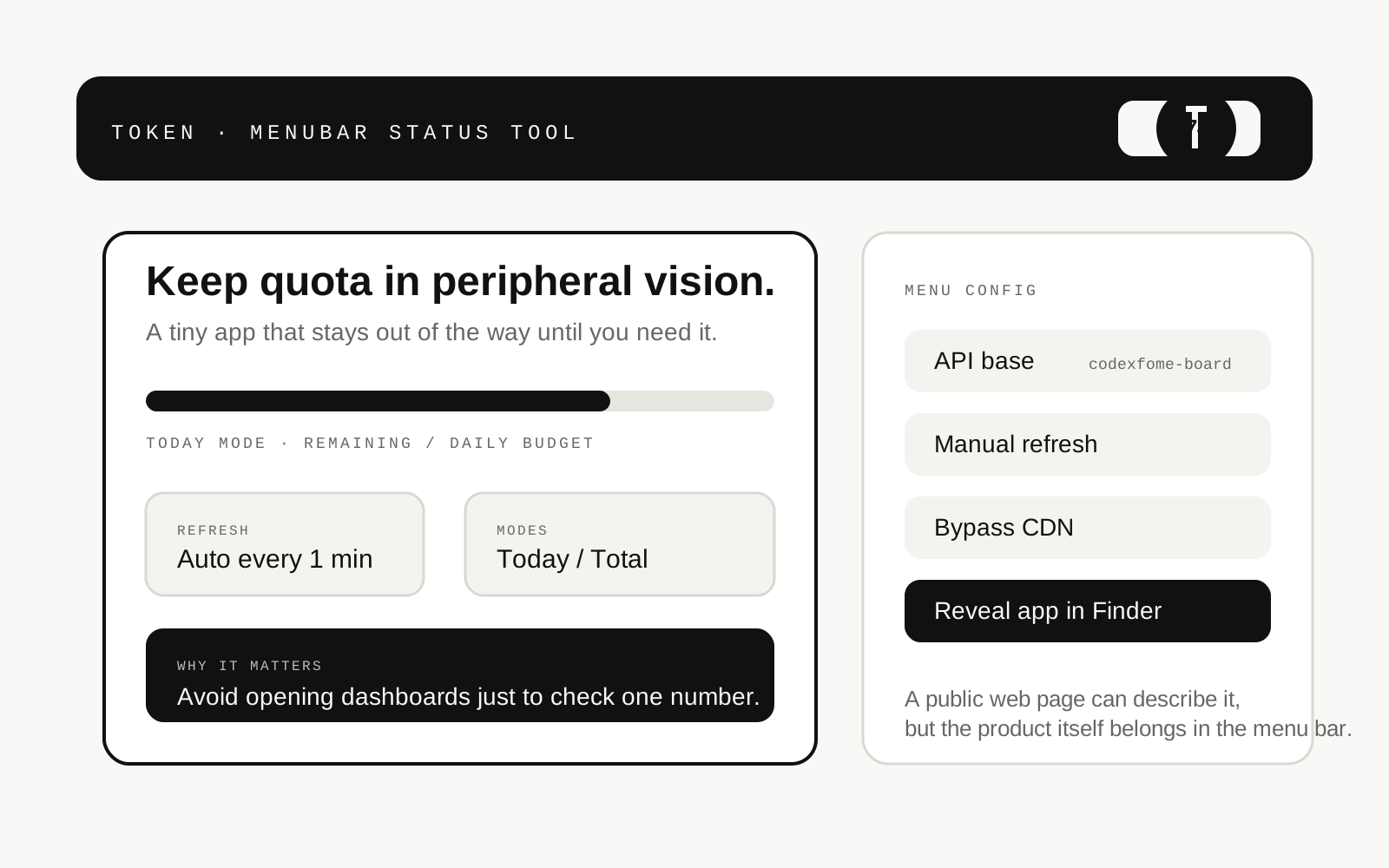
A tiny menu bar status utility that polls quota APIs and keeps remaining allowance visible in the top bar to reduce dashboard context switching.
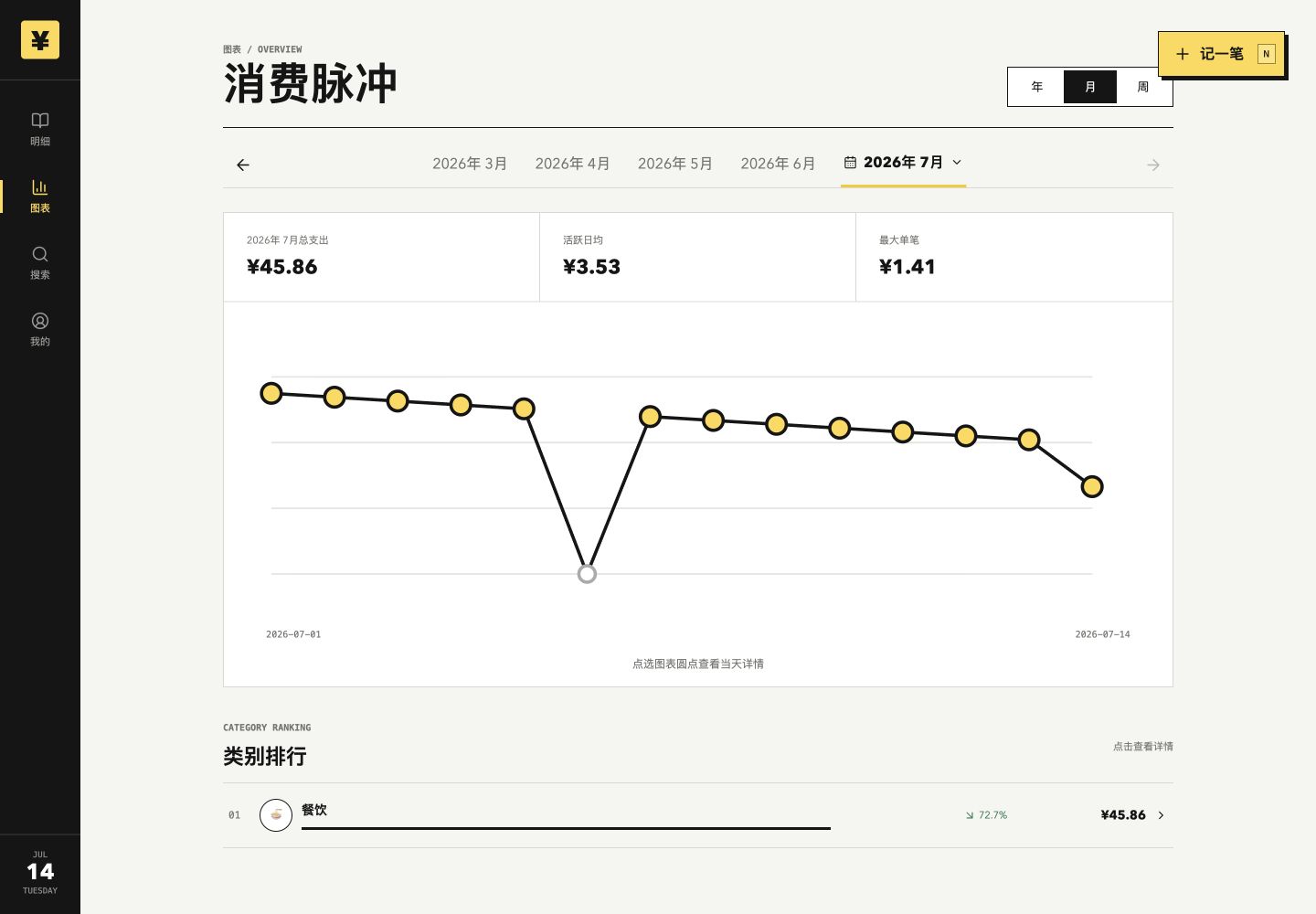
A private and recoverable PWA built around years of real bookkeeping habits, combining fast mobile entry, cross-device sync, and progressive access to the full ledger history.
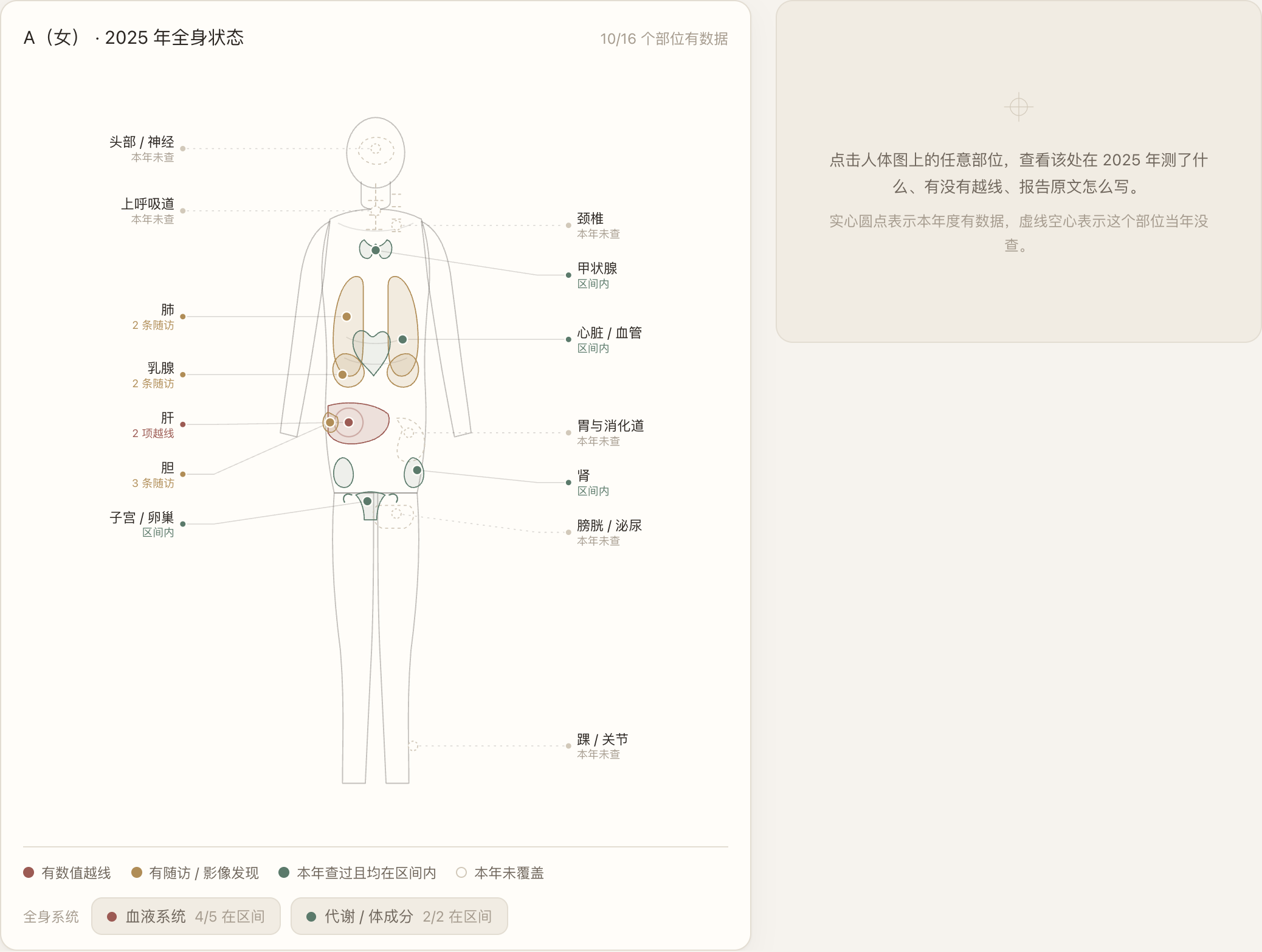
A local health workbench shaped by the need to organize years of longitudinal records. The Body Map reorganizes scattered lab, imaging, and symptom notes into a human-body perspective. The public case uses a fully synthetic demo image; real data and builds remain private.